
Learning Arduino Programming From Scratch

Learning Arduino programming is one of the best and most reliable ways to understand programming and engineering concepts in an interactive way. Arduino is an open platform built on both hardware and software, making it possible to develop electronic and interactive projects.
What Is Arduino?
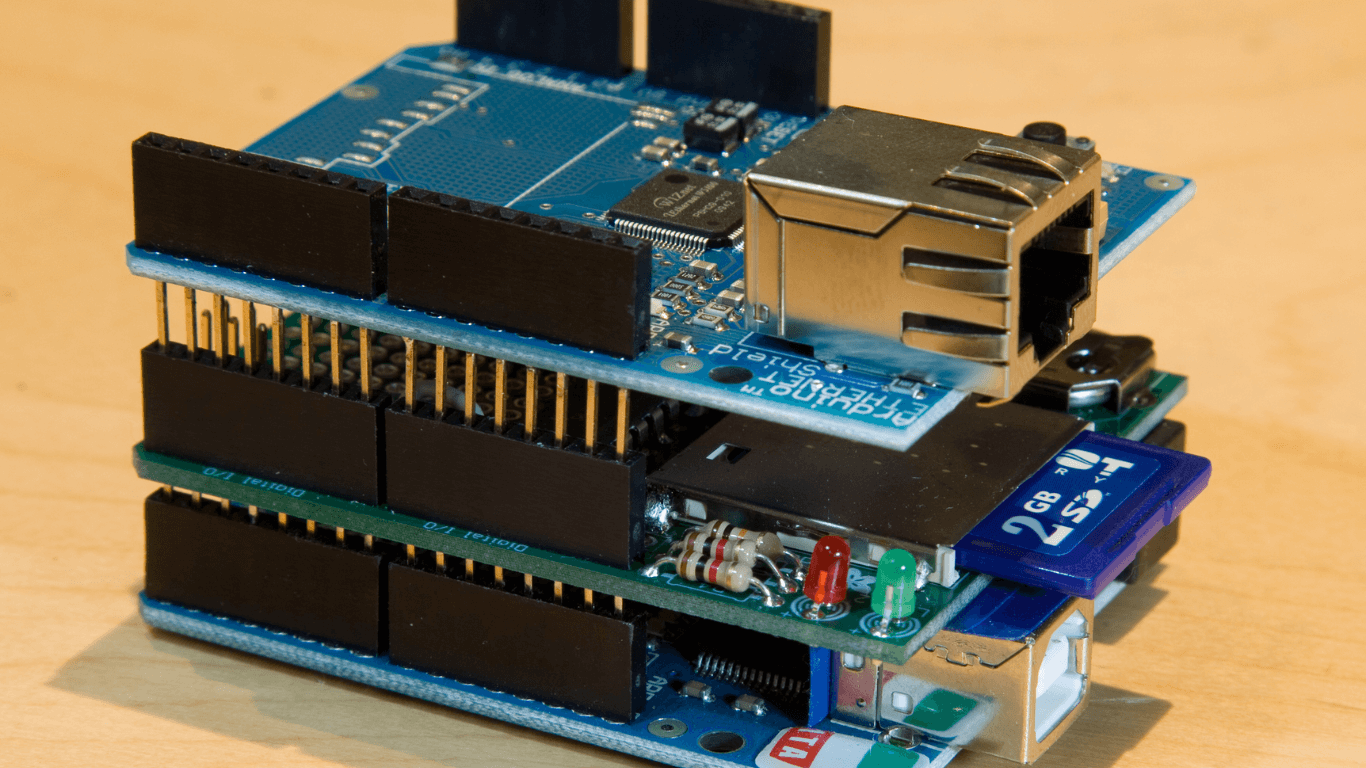
"What is Arduino?" is a common question among those interested in the field. Arduino is an open platform used to develop a variety of electronic projects. It consists of a PCB board that holds a processor, along with a set of inputs and outputs, including both analog and digital pins.
Arduino is programmed using a language similar to C++, which in turn makes it much easier for hobbyists and beginners to use.
Learning Arduino programming also lets you put it to use across many different applications, such as robotics, sensors, smart lighting, and art projects. There are also numerous ready-made projects and libraries available online to help people get started quickly and enjoy plenty of flexibility and variety.
Arduino Components
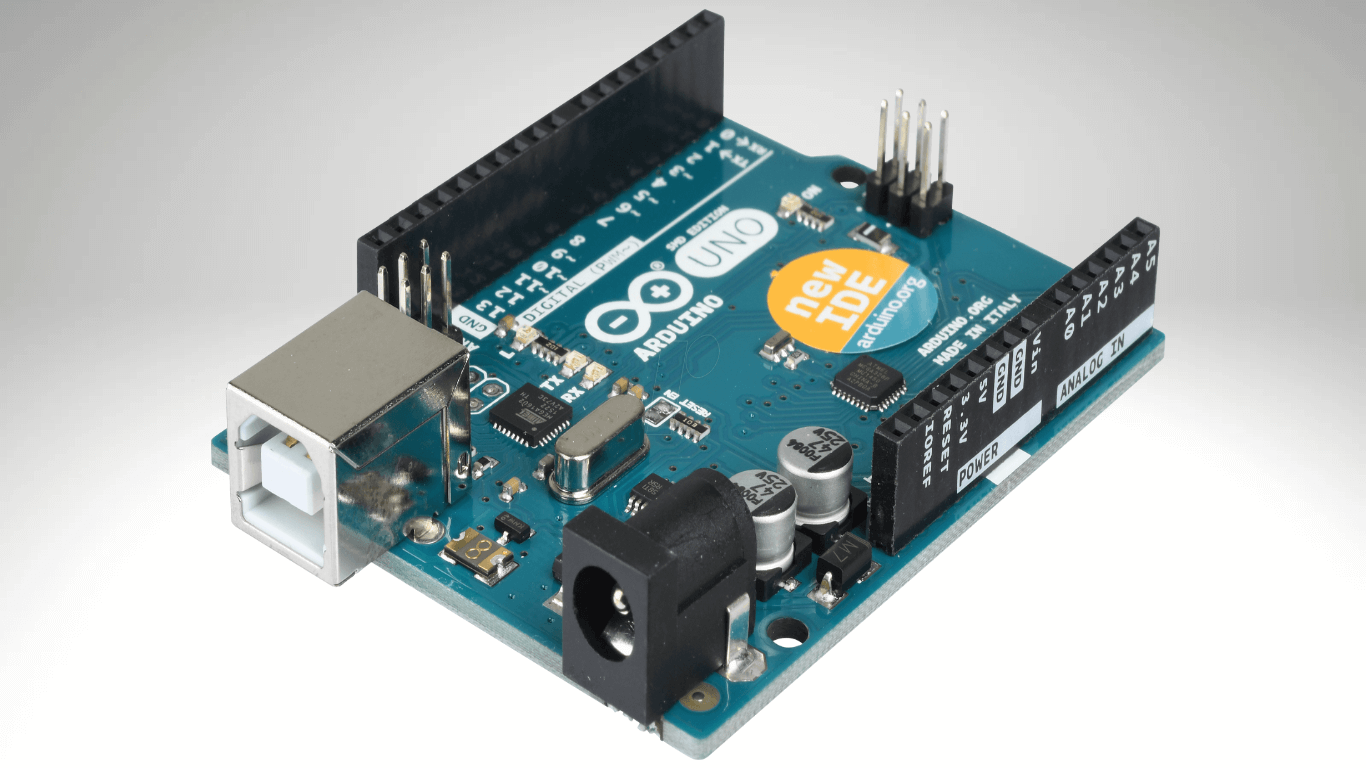
To learn Arduino programming, you first need to know all of the core Arduino components so you can build up your skills in the field. They are as follows:
- The Board: the main part, which holds the processor, the ports, and the electronic components. Among the most well-known examples are the Arduino Uno, Arduino Mega, and Arduino Nano.
- The Microcontroller: the part responsible for processing data and carrying out the programmed operations you write. The microcontroller varies from one board to another.
- Input and Output Ports (I/O Ports): these include the digital and analog pins and are used to connect sensors, motors, and other components.
- Power Ports: these supply the power needed to run the board, which can be powered either through USB or any external power source.
- LED Indicator: includes a lit LED that shows the power status or program execution.
- Additional Circuits: connect extra components such as sensors, motors, displays, and other parts through the ports.
- Software: lets you write code and upload it to the board.
Types of Arduino
Before you can program Arduino, it is worth noting that there are several different types of Arduino through which you can carry out a variety of projects, including the following:
- Arduino Uno: considered the most popular and the ideal board for beginners, because it has 14 digital input/output pins along with 6 analog inputs.
- Arduino Mega: has a large number of inputs and outputs, which in turn makes it suitable for large and complex projects.
- Arduino Nano: small in size and easy to use, especially in projects that require a compact form factor.
- Arduino Leonardo: supports USB functionality, which allows it to act as an input device, for example a keyboard or a mouse.
- Arduino Micro: a small board that nonetheless comes with a set of extra features, including USB support.
- Arduino Due: built on the ARM Cortex-M3 processor and delivers high performance, making it the ideal choice for projects that need fast processing.
- Arduino MKR Series: includes boards such as the MKR1000 and MKR WiFi, designed for wireless connectivity and internet applications.
Uses of Arduino
To get the most out of Arduino programming, it is important to learn about its many different uses, which include the following:
- Robotics: Arduino can be used to develop robots that control motors and sensors.
For example, you can create a simple light-following robot using light sensors connected to the Arduino board. - Sensors: various sensors, such as temperature or humidity sensors, can be connected to measure environmental data.
One example of this is building a miniature weather station that measures temperature and humidity and displays the results on a screen. - Smart Lighting: Arduino can control smart lighting systems, adjusting light intensity or changing colors based on the time of day or on movement.
For example, you can program a lamp to glow automatically when you enter a room using a motion sensor. - Internet of Things (IoT) Projects: Arduino can connect to internet networks and carry out Internet of Things projects, such as controlling devices remotely or collecting sensor data.
For example, you can create a smart irrigation system that controls watering according to soil moisture data. - Electronic Games: Arduino can be used to build electronic games.
Such as a simple game based on pressing buttons in response to light signals. - Security Systems: Arduino can be used in security systems.
Such as alarm devices that detect motion or the unauthorized opening of doors. - Medical Devices: simple medical devices can be developed.
Such as a device that measures heart rate using Arduino and medical sensors. - Interactive Arts: Arduino is used in interactive art projects, where technology is combined with art to create interactive experiences.
Such as an art installation that changes its appearance based on people's movement.